Skip to content
itsorted.online

Payments & accounting

Finance Dashboard

Cash flow, money owed to you, bills due and sales vs expenses on one screen, in Looker Studio or Power BI, refreshed from your accounting software.

For owners who want to see cash, money owed to them and bills due without opening the accounting software or waiting for month-end. We build a Looker Studio or Power BI dashboard connected to Xero, QuickBooks Online or Zoho Books, with a few clear pages that refresh on their own.

  • 10+ years experience
  • Fixed prices
  • You own everything
  • Secure Stripe payments
  • Written scope & tracking
  • Fix-or-refund promise

What's included

  • Looker Studio or Power BI connected to Xero, QuickBooks Online or Zoho Books
  • Up to 4 pages: cash, receivables ageing, payables due, sales vs expenses by month
  • Filters by month, customer and category
  • Automatic refresh (daily, or as often as your connector allows)
  • Shared with up to 5 people; you own the file
  • Short video showing how to read each page

What you'll get

Illustrative examples of a finished job · swipe for more

Example screen

What you get

Live demos

Try it yourself

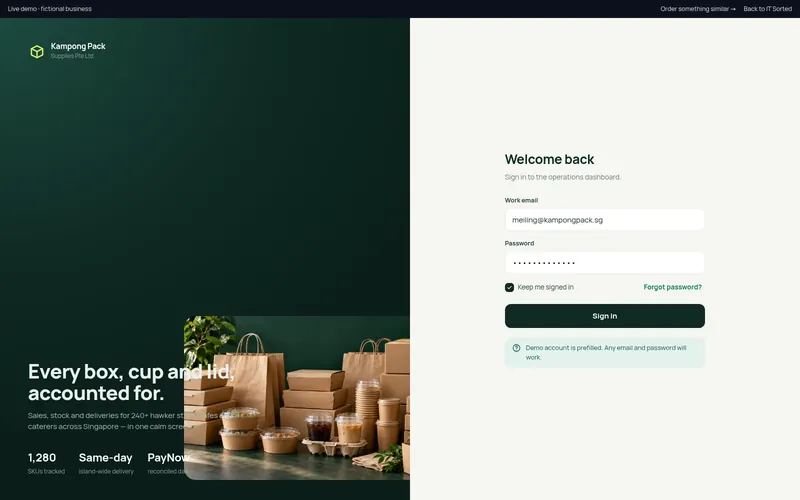
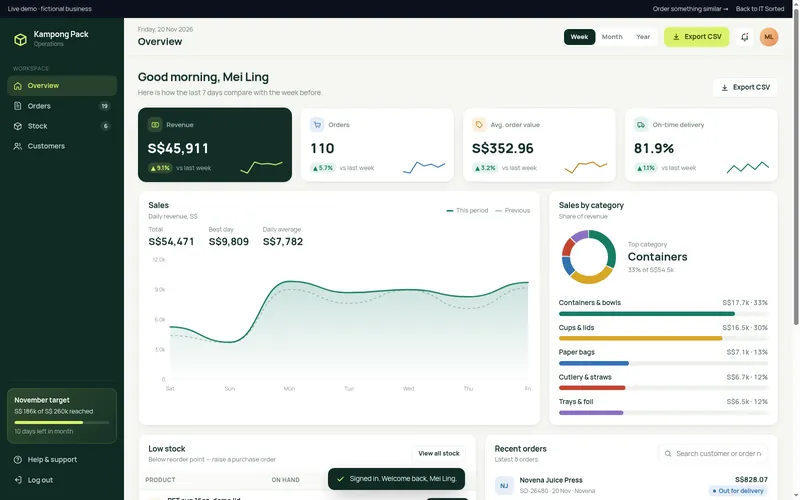
Live demo 1Kampong Pack Supplies Pte Ltd

Sales & Stock Dashboard

An operations dashboard for a food-packaging distributor: live KPIs, sales trends by week, month or year, low-stock alerts with one-click purchase orders, and a searchable order book.

  • Week / month / year switcher that redraws every chart and KPI
  • Interactive sales chart with tooltips vs previous period
  • Low-stock table with Create PO flow (supplier, quantity, delivery calendar)
  • Searchable orders with status filters and detail drawer

Not included

  • Bookkeeping, tax or GST filing — your accountant keeps the books; we set up the software and give them access
  • Connector or Power BI licence fees (paid by you)
  • Data from systems other than your accounting software (see Custom Business App)
  • Budgets and forecasts prepared for you

What we need from you

  • Admin access to your accounting software
  • A Google or Microsoft account for the dashboard
  • The 3–5 numbers you check most often

We set up and connect accounting, receipts and payroll software; we are not an accounting or bookkeeping firm. Your accountant or bookkeeper keeps the books, prepares your accounts and handles tax filings. Software subscriptions are opened in your name and paid by you directly to the provider.

Need something custom?Quotes, orders, stock and invoices in one system, a customer portal, or approvals linked to your accounting software. See Custom Business App.

How it goes

  1. 1

    Order & pay

    PayNow or card through Stripe. Receipt emailed straight away.

  2. 2

    Answer a short brief

    A link in your payment email — about 3 minutes, no meeting.

  3. 3

    Give access

    We send step-by-step instructions to invite us — no passwords by email.

  4. 4

    Review & done

    We deliver, you review on your order page, we refine until it's right.

Finance Dashboard — questions

Looker Studio is free and suits teams on Google. Power BI suits Microsoft 365 users and larger data. Both usually need a connector to your accounting software; any fee is paid by you.

No. The dashboard shows what is in your accounting software, as it is. Your accountant's reports are the reviewed version; the dashboard helps you watch the numbers in between.

This package uses your accounting software only. A dashboard that combines your store, stock, CRM and accounts is a custom build; see Custom Business App or Custom Tool or Dashboard.

Related guides

All guides

More in payments & accounting